Website Design
A custom website, free to build. You get a page for every service you offer, an About page and up to 5 city pages.
See Website DesignYour tech snaps a few photos and talks about the job for 30 seconds. You approve it. The job shows up on your website, your social posts get drafted, and the customer gets asked for a review.
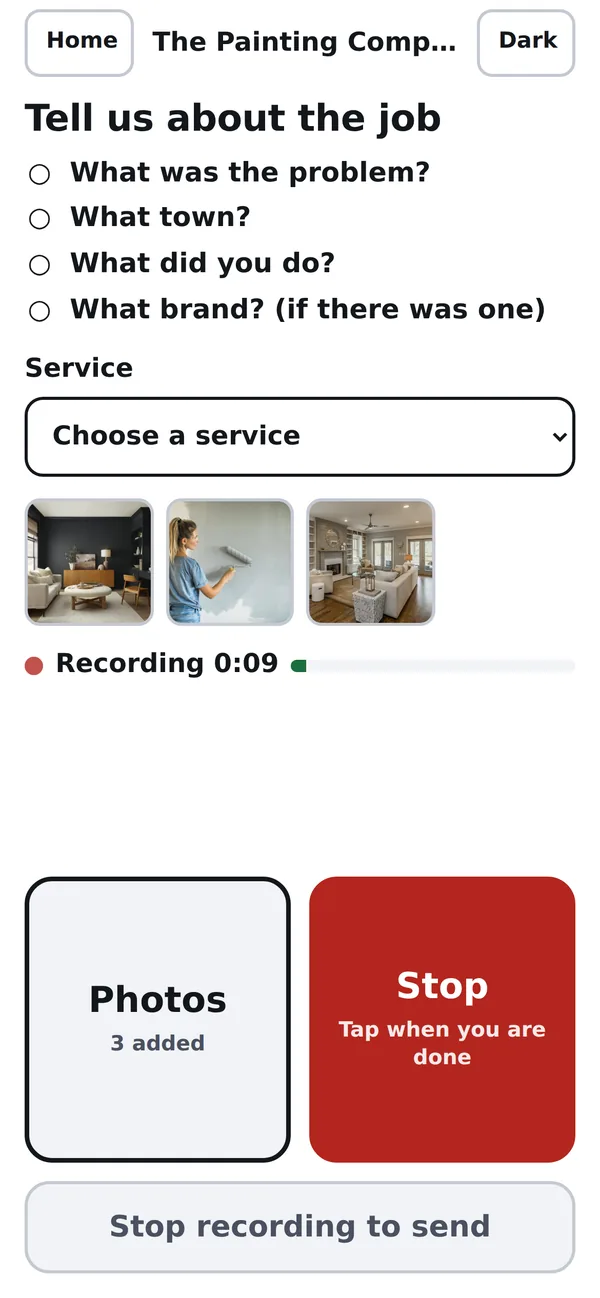
Photos and a 30 second recording from the job. It takes about a minute, and then they are back in the truck.
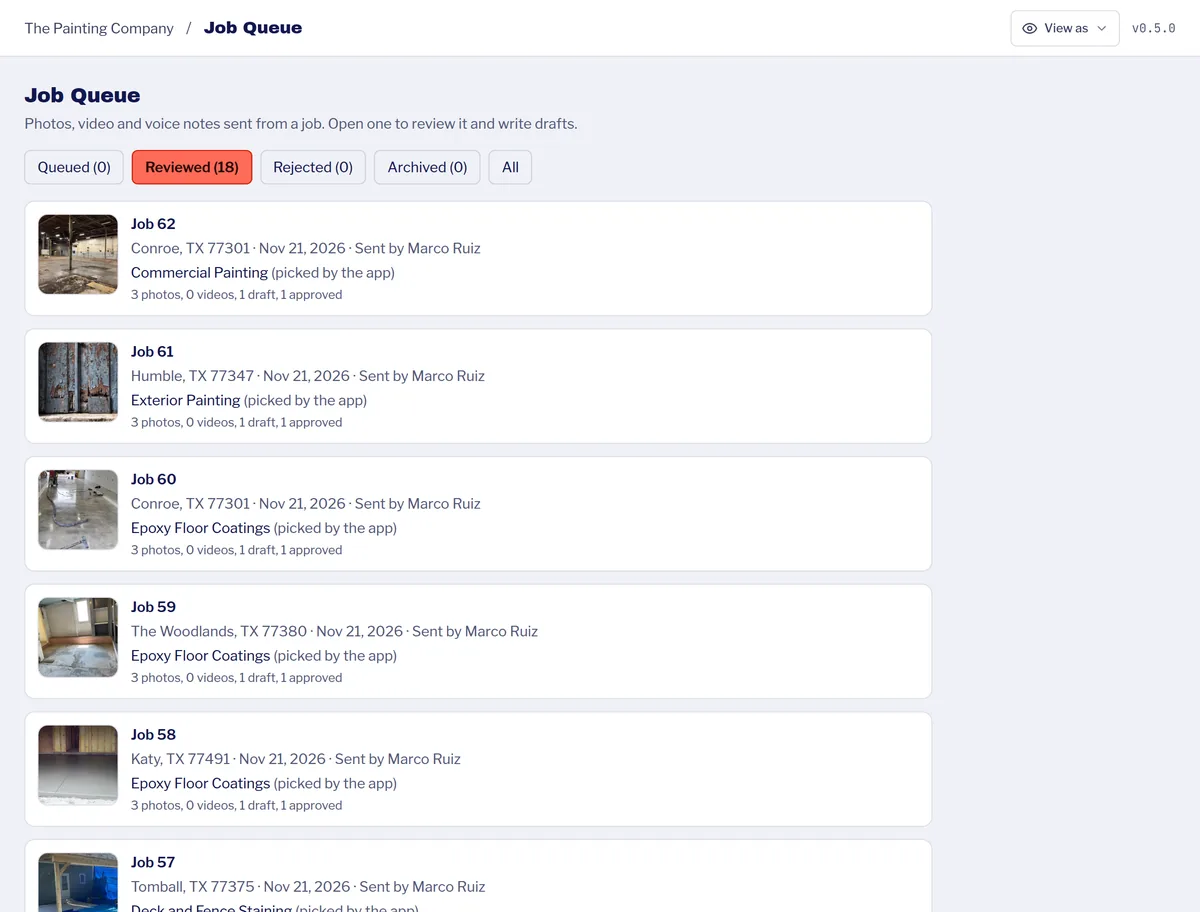
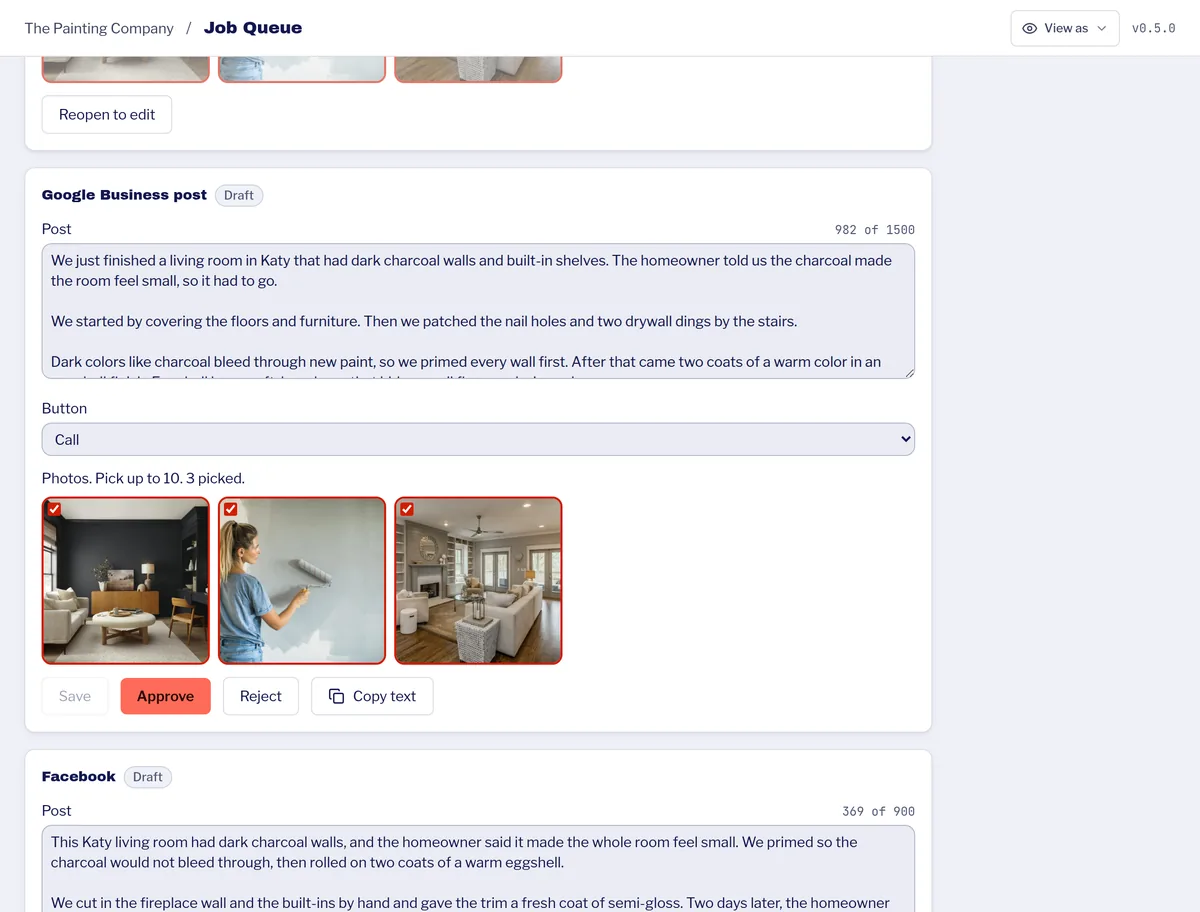
The job lands in your queue with the service and the town filled in. Edit anything, then approve it.
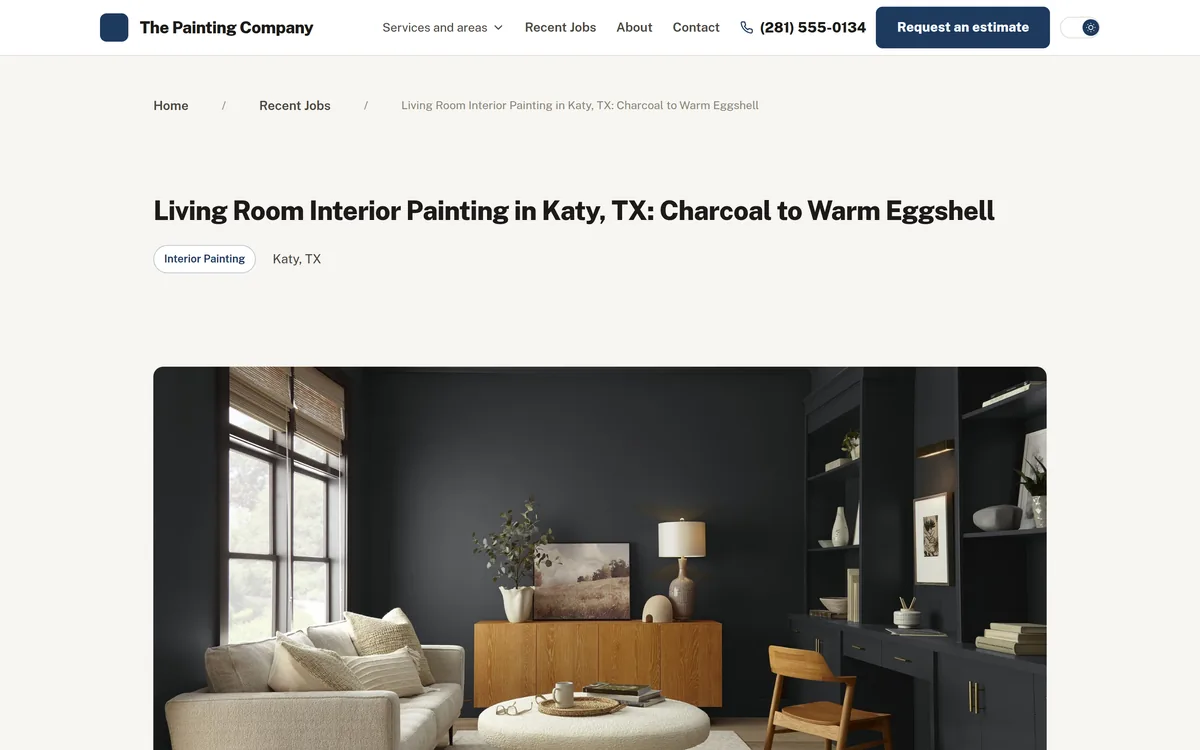
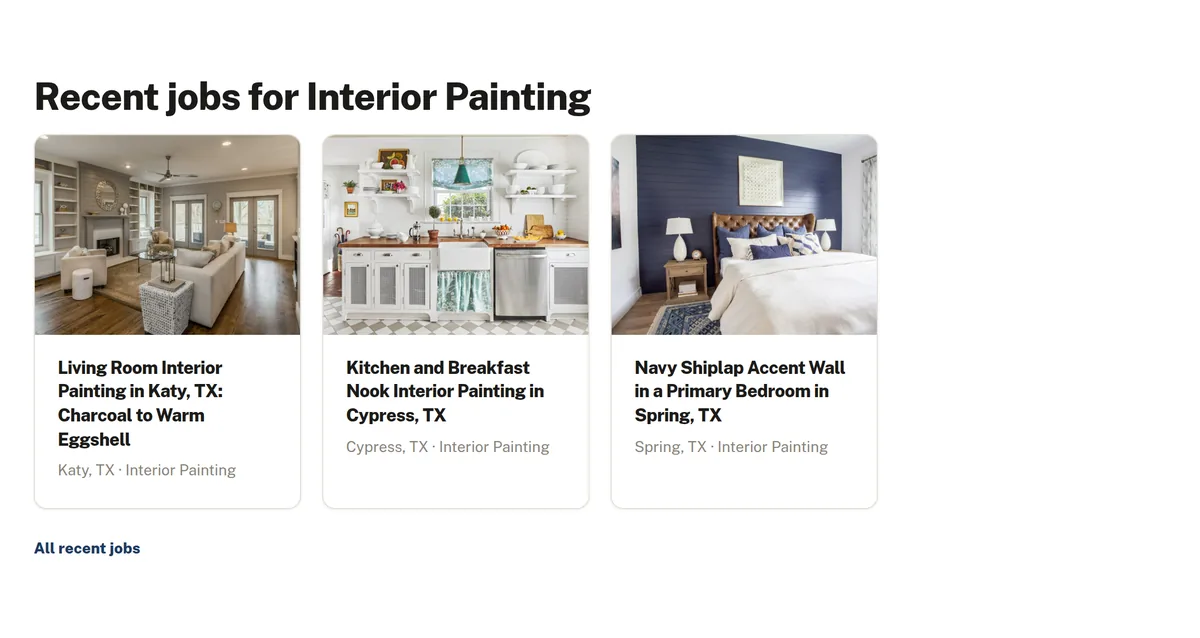
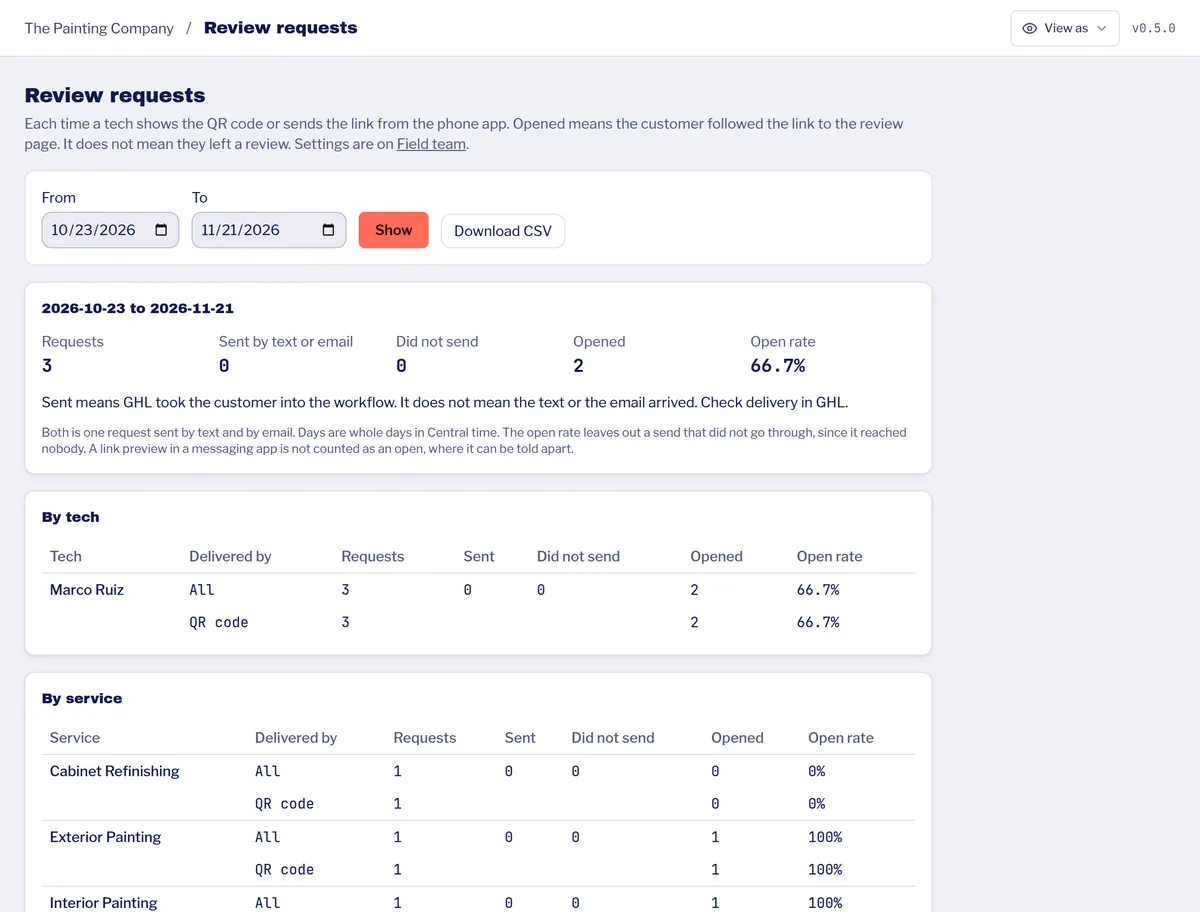
A page for the job on your website. The job on your service and city pages. Social posts drafted, and a review request ready for the customer.
Job Check-in comes with GotLocal Pro at $499 a month.
Pro also includes missed-call text-back, online booking on every page and 30-day lead follow-up by text and email.
Open them. Read them. They're real pages for real companies, not a portfolio mockup.

Family-owned since 2007. Every service they offer, in all 59 towns they run trucks to, and the whole site mirrored in Spanish.
Visit blackmonplumbing.com →
Motorized louvered roofs and patio covers across 17 Houston-area towns, with a project portfolio and built-in free-estimate capture.
Visit houstonlouveredroof.com →No. They open your link once, enter their PIN and add it to the home screen. It works like an app on iPhone and Android.
No. Every job lands in your queue first. You or your office pick what it becomes and approve it.
The job can still show as a card on your service and city pages. A full job page needs at least 2 photos and enough detail to tell the story.
No. A job page shows the town, never the street or the house. Photo locations are reduced to city, state and zip.
Yes. Turn it on and every job page gets a Spanish version. You see both side by side and confirm them before they go live.
No. Every customer gets the same request. Google does not allow filtering, and we do not do it.
A custom website, free to build. You get a page for every service you offer, an About page and up to 5 city pages.
See Website DesignAnswers every call, day or night, and books the job into your calendar. From $499 a month.
See AI ReceptionistType your business name. We find your services and build a real preview of your homepage. Free, in about two minutes.
No credit card. No commitment. Just a preview of what's possible.